

Why Website Speed Matters More Than Ever in 2025
Yes, website speed significantly affects both SEO and conversions, as confirmed by Google’s continued emphasis on user experience (UX) metrics in 2025.
A fast, responsive site is no longer a luxury it’s a critical component of search rankings and a direct driver of business success.
This guide covers:
- Google’s official stance on speed and SEO
- Core Web Vitals and new ranking factors in 2025
- Why speed matters for mobile-first indexing
- How loading times affect conversion rates and brand perception
- A step-by-step checklist to improve your site speed
How Speed Impacts SEO in 2025
Google has confirmed that page speed is a ranking signal for both desktop and mobile searches.
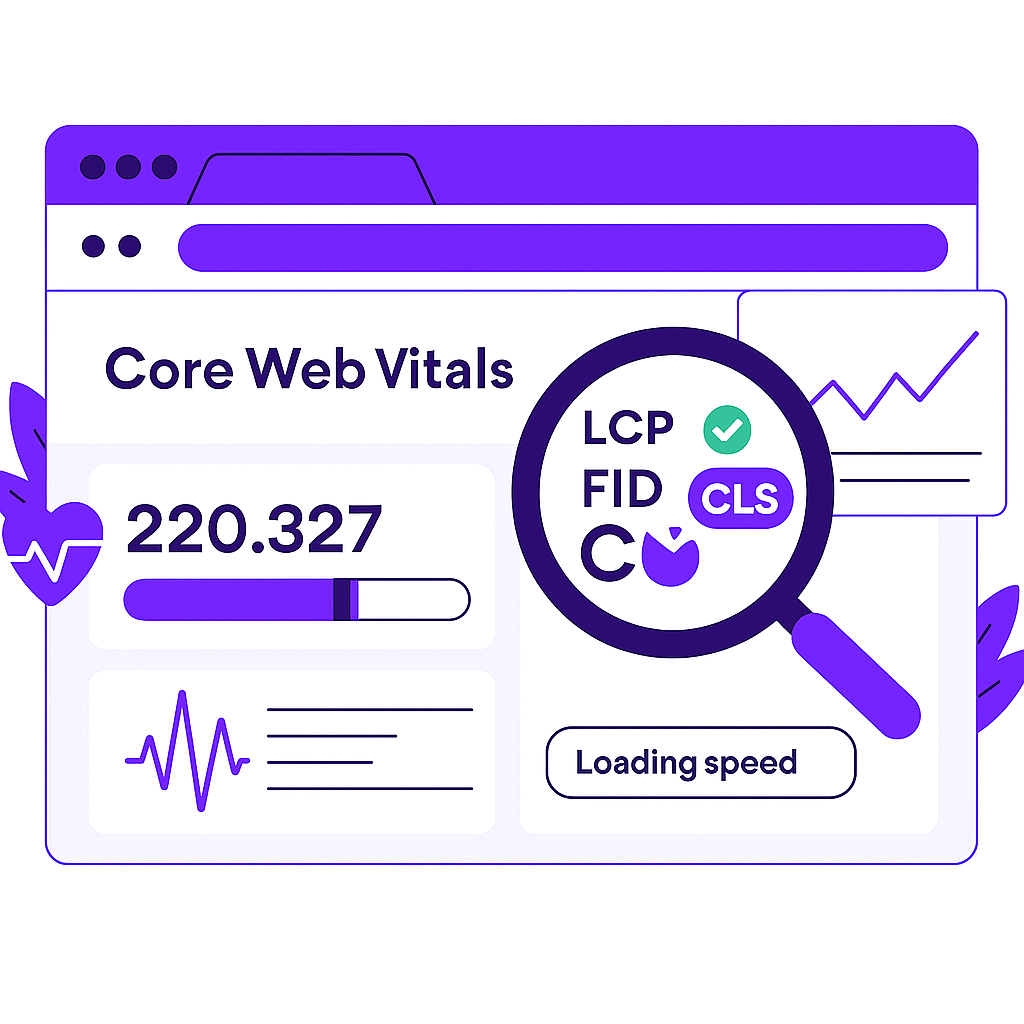
In 2025, page speed is assessed primarily through Core Web Vitals (CWV) metrics focusing on real-world user experience.
A poor CWV score can hold back even high-quality content from ranking well, especially when competing with equally relevant but faster websites.

Core Web Vitals You Must Monitor
- Largest Contentful Paint (LCP) – Loading Speed
- Measures how quickly the main content (like a hero image or heading) appears.
- Good score: ≤ 2.5 seconds
- Interaction to Next Paint (INP) – Interactivity / Responsiveness
- Replaces First Input Delay (FID) as the official metric for interactivity.
- Measures how long it takes the site to respond to a user’s input (e.g., button click).
- Good score: ≤ 200 ms
- Cumulative Layout Shift (CLS) – Visual Stability
- Tracks unexpected movement of page elements during load.
- Good score: ≤ 0.1
Tip: Google uses field data (real-world Chrome User Experience Report) to determine CWV, not just lab test scores.
Mobile-First is a Major Factor
Since the majority of web traffic now comes from mobile devices, Google’s mobile-first indexing means your mobile performance directly determines your rankings.
A slow mobile site can undermine your SEO, even if the desktop version is fast.
Optimizing for mobile CWV scores is now non-negotiable for search success.
How Speed Impacts Conversions

Your website’s loading time has a direct and measurable impact on your bottom line.
Key Benefits of a Fast Website
- Reduced Bounce Rates: Visitors are more likely to stay when pages load quickly.
- Higher Conversion Rates: A 1-second delay can reduce conversions by up to 7%.
- Improved User Experience: Faster sites build trust and increase engagement.
- Enhanced Brand Perception: Users perceive fast websites as professional and reliable, while slow sites harm credibility.
Data-Driven Proof
- Deloitte + Google study: Improving site speed by 0.1 seconds boosted retail conversions by 8.4%.
- Mobile users: Over 50% abandon a page if it takes longer than 3 seconds to load.
Google’s Tools to Check and Improve Your Site Speed
Google offers free tools to diagnose and improve your site’s performance:
- Google PageSpeed Insights: Combines lab and field data (via Chrome UX Report) and gives improvement recommendations.
- Google Search Console (Core Web Vitals Report): Identifies problematic pages based on CWV metrics.
- Lighthouse: A built-in audit tool in Chrome DevTools for detailed lab testing.
Step-by-Step Optimization Checklist for Better Speed, SEO & Conversions

Follow these steps to ensure a faster, more SEO-friendly website:
1. Audit & Baseline
- Test with PageSpeed Insights, Lighthouse, and Search Console → CWV Report.
- Benchmark LCP, INP, and CLS for both mobile and desktop.
- Use real-user monitoring (RUM) tools for ongoing insights.
2. Improve Loading Speed (LCP)
- Serve compressed, next-gen images (WebP, AVIF).
- Preload critical resources like fonts and hero images.
- Implement lazy loading for below-the-fold content.
- Minify and defer CSS and JavaScript.
- Optimize server response times (TTFB).
- Use a CDN to reduce latency globally.
3. Enhance Interactivity (INP)
- Defer non-critical scripts until the page is interactive.
- Split long JavaScript tasks to avoid blocking.
- Use web workers to handle heavy background tasks.
- Optimize event handlers and limit third-party scripts.
4. Stabilize Layout (CLS)
- Define width/height for images, ads, and embedded content.
- Reserve space for ads and iframes to prevent shifting.
- Avoid inserting new elements above existing content.
- Manage fonts with font-display: swap carefully.
5. Technical Infrastructure
- Upgrade to HTTP/2 or HTTP/3 for better request handling.
- Implement browser caching and prefetching for static assets.
- Reduce unused CSS and JavaScript to minimize page weight.
6. Test & Iterate
- Test on real devices (especially mobile on slower networks).
- Re-test after content or design changes.
- Monitor CWV scores monthly to maintain high performance.
FAQ
Q1: How fast should my site load in 2025?
Your website should fully load within 2 seconds or less for the best user experience and rankings.
- Aim for LCP ≤ 2.5 seconds as a benchmark.
- Faster-loading sites tend to see lower bounce rates.
- Mobile-first users are less patient with slow pages.
Q2: Does speed matter more than content for SEO?
No. Content quality is still the top-ranking factor, but speed becomes crucial when two pages have similar relevance.
- Google uses speed as a ranking signal, not a substitute for good content.
- Poor CWV scores can still limit visibility, even with strong content.
- A fast site improves user signals like dwell time and engagement.
Q3: How often should I check my website’s speed?
You should test your website’s speed at least once a month or after any significant design, code, or content changes.
- Use PageSpeed Insights for quick checks.
- Monitor Search Console → Core Web Vitals for long-term trends.
- Regular testing prevents performance decline over time.
Q4: Which is more critical, mobile or desktop speed?
Mobile speed is more critical because Google’s indexing is mobile-first, and most traffic comes from smartphones.
- Slow mobile sites negatively impact rankings on all devices.
- Test with mobile-first tools like PSI’s mobile tab.
- Focus on optimizing mobile CWV scores first.
Q5: Will improving speed guarantee top rankings?
No, improving speed alone won’t guarantee higher rankings, but it gives you a significant competitive edge.
- Combine speed optimization with high-quality content and backlinks.
- Better speed improves UX metrics, helping conversions.
- Google rewards fast, user-friendly websites when all other factors are similar.
Final Thought
Yes, website speed absolutely affects both SEO rankings and conversions.
A fast, responsive, and stable site not only boosts search visibility but also enhances user trust and sales.
In 2025, thriving online requires optimizing both performance and content quality to deliver the best experience to your audience.